 SharetoBoard
Not just saved—visible
A source or thought is easier to work with when you can move it, group it, connect it, and see what belongs together.
I was a Poppy user before I built SharetoBoard. Poppy was already where scattered research, voice thoughts, links, client problems, prompts, and AI conversations could become visible and connected. The missing piece was getting material there fast enough—from my phone or browser—while I still remembered why it mattered.
SharetoBoard may earn a commission if you purchase through the affiliate link, at no extra cost to you. Prefer no affiliate? Visit Poppy directly. Full disclosure.
Poppy membership, authentication, boards, chats, credits, retention, and API access are separate and managed by Poppy. SharetoBoard is independent and is not affiliated with or endorsed by Poppy.
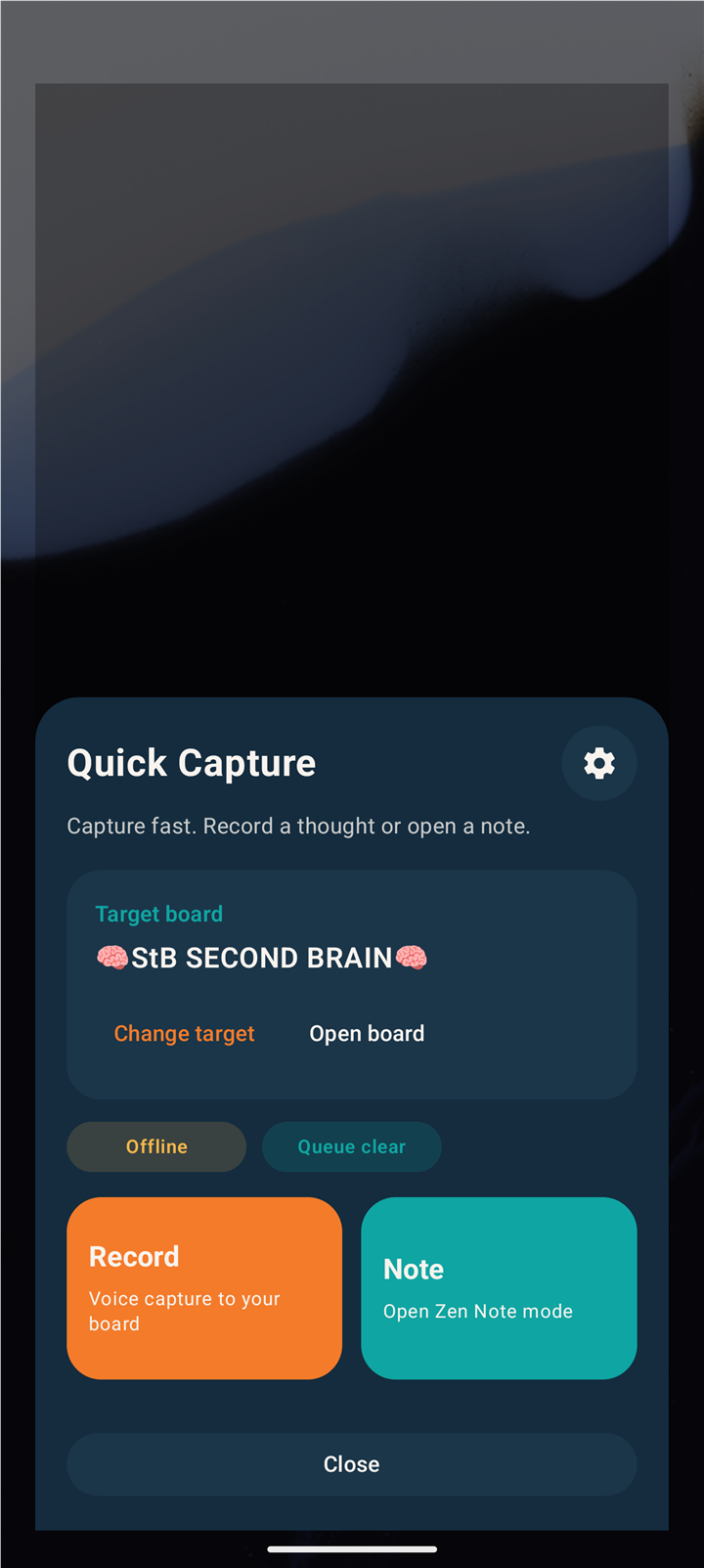
Poppy gives the thought somewhere useful to go.
SharetoBoard shortens the distance between noticing and doing.
Storage was not the missing piece. The missing piece was a workspace where raw material could stay visible, connect to other material, and turn into something I could actually use.
A source or thought is easier to work with when you can move it, group it, connect it, and see what belongs together.
Research, links, media, prompts, notes, and conversations can live in the same visual workspace instead of being reconstructed across tools.
A raw capture can become an outline, decision, client deliverable, content angle, task, script, or follow-up.
SharetoBoard is not trying to replace Poppy. It gets the material to the place where the real work continues.
Android share sheet, selected text, Quick Note, Record, Selfie, Import, widgets, Quick Settings, and Chrome capture reduce the friction before the board.
The board holds the source, your intent, visual relationships, prompts, conversations, and AI-assisted work.
Explore BoardCue for presenting scripts, TentaClaw and shriMCP for working with AI assistants, and the upcoming Skills Pack for repeatable workflows.
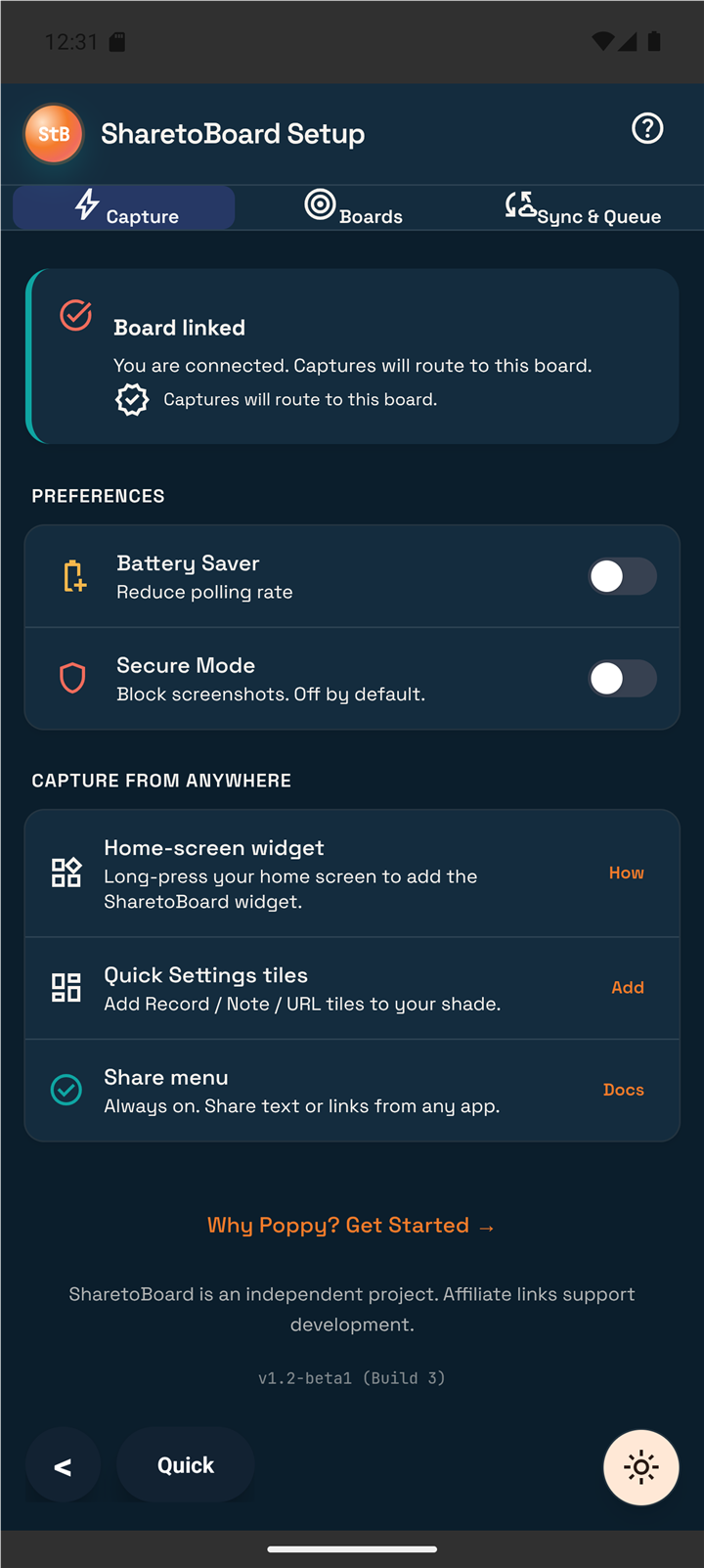
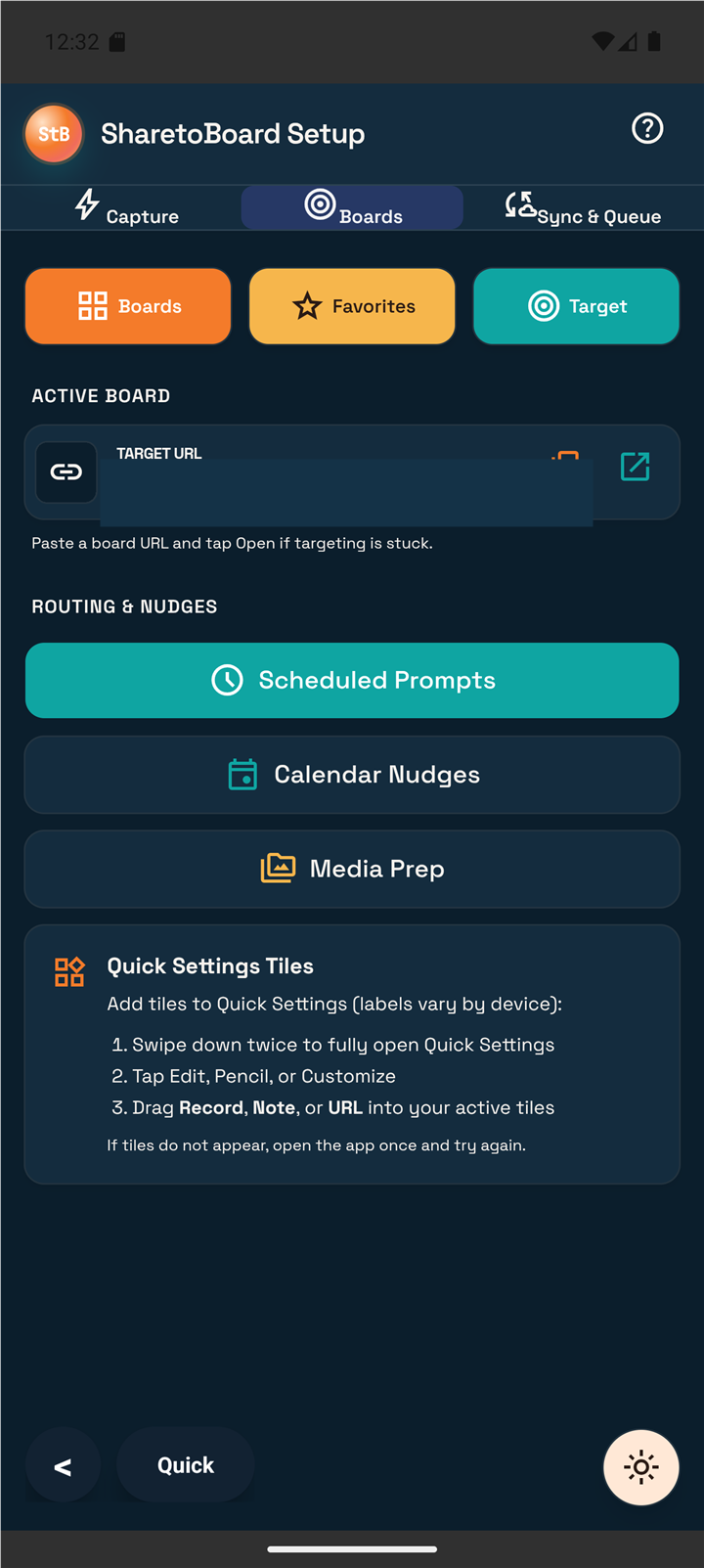
Join the Android beta list or explore Chrome capture. Android and Chrome are in early access, with no public download yet.
Join the Android beta list Explore SharetoBoard ChromeExplore Poppy’s visual workspace and check which membership fits your work before choosing a plan.
Explore Poppy (affiliate) Go to Poppy checkout (affiliate)Affiliate purchases may earn SharetoBoard a commission at no additional cost to you. Use Poppy directly without an affiliate.
The optional Capture to Clarity challenge gives invited Android testers a simple rhythm: capture a thought, group related ideas, and turn one into a useful next step. Keep the prompts and your captures together on a Poppy board.
“Poppy came first. SharetoBoard is the capture layer I needed as a real user—and the rest of the ecosystem grows from that same workflow.”
The affiliate option may earn SharetoBoard a commission at no extra cost to you. Read the full affiliate disclosure.