 SharetoBoard
The useful thing appears
A source, quote, question, screenshot, client phrase, file, or voice thought shows up on your phone or in a browser tab.
A quote in a browser tab. A thought between meetings. A link worth keeping. SharetoBoard helps you capture it while it is fresh and continue working with it on your Poppy board.
SharetoBoard is independent and is not affiliated with or endorsed by Poppy. Poppy membership and credits are separate.

Remember why you saved it.
Keep useful sources close to the questions and ideas they sparked.
A source, quote, question, screenshot, client phrase, file, or voice thought shows up on your phone or in a browser tab.
Share a link, select a passage, type a note, or record a thought. Use the shortcut that fits the moment.
The source and your reason for keeping it arrive at the visual workspace where they can become an outline, decision, campaign, script, or deliverable.
Capture from the app already open or preserve the exact sentence while your reaction is still fresh.
Type or speak when the thought is moving faster than a multi-app workflow.
Use camera context, an existing file, the home screen, or Quick Settings instead of hunting for the app.
Capture beside the page you are reading and keep your Poppy board nearby as you work.
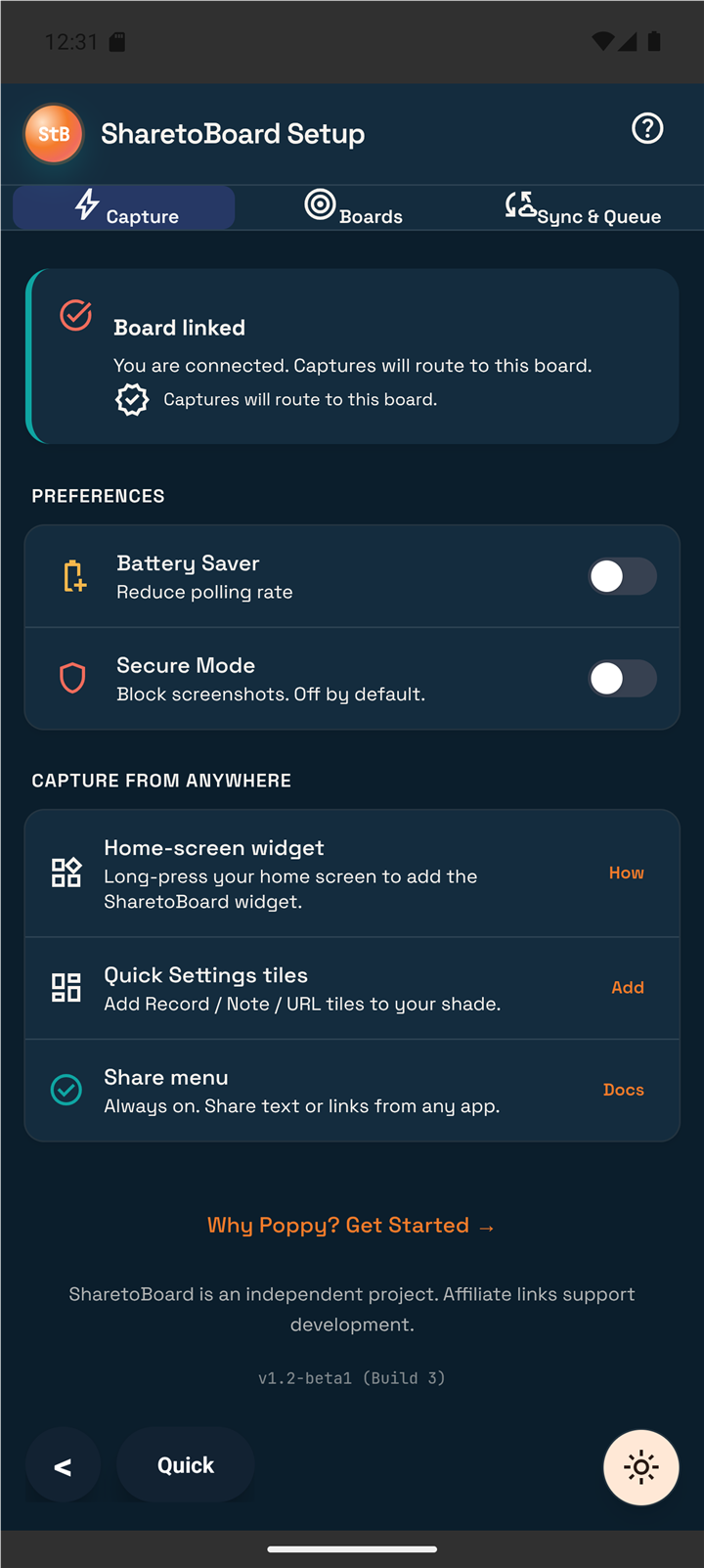
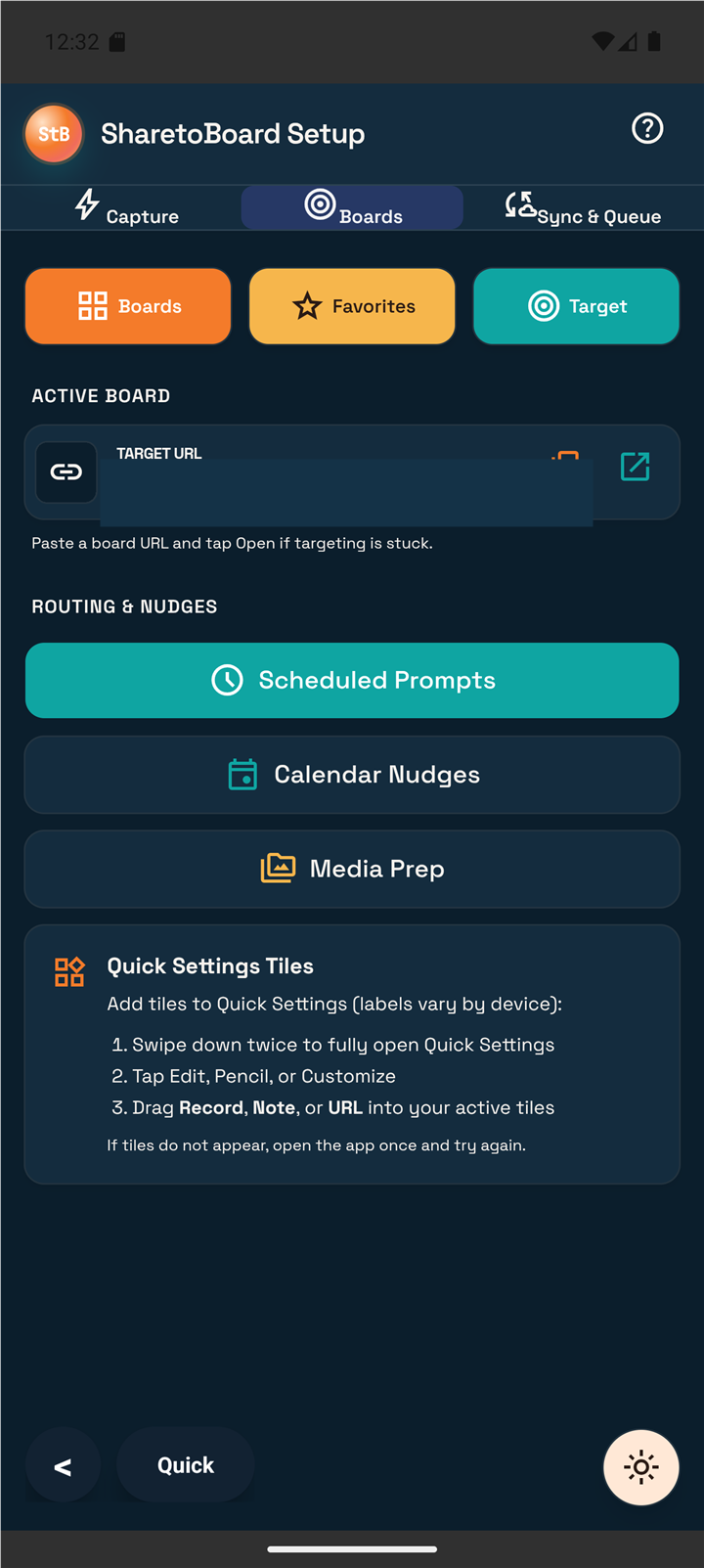
The front door: preserve the useful thing while it still has context.
SharetoBoard AndroidNotes, voice thoughts, links, and selected text.SharetoBoard ChromeCapture beside the browser source.Put a finished script beside the camera or turn a successful process into a repeatable mission.
BoardCueTeleprompter and always-on-top HUD.Poppy Skills PackUpcoming guided Poppy workflows.Bring in approved agents based on where the workflow runs.
TentaClawLocal MCP for supported desktop clients.shriMCPCloud MCP for approved remote clients and apps.Join the Android beta list or learn how Chrome capture fits your research routine.
Join the Android beta listExplore ChromeRead the full explanation or visit Poppy through a clearly disclosed affiliate route.
Read Why PoppyExplore Poppy (affiliate)SharetoBoard may earn a commission at no extra cost to you. Prefer no affiliate? Visit Poppy directly. Disclosure.